Ars Asks: Share your shell and show us your tricked-out terminals!
Ars Technica ·
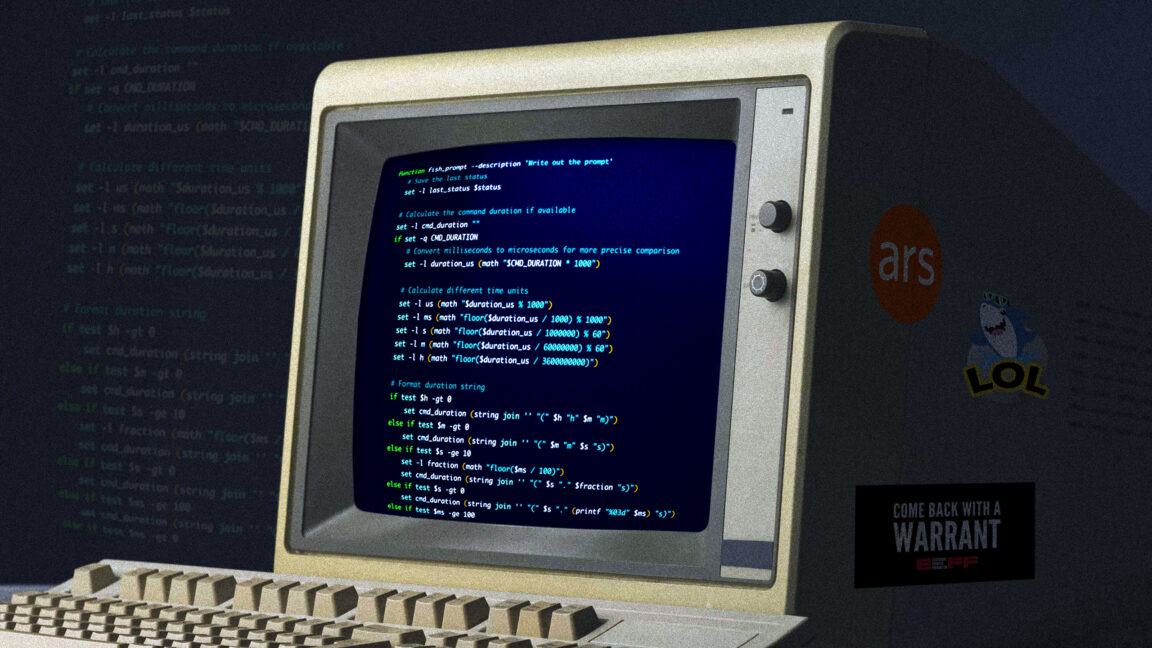
The timer_stop function also has the job of converting the timer into a human-readable format, and it’s probably messier than it needs to be. …
The timer_stop function also has the job of converting the timer into a human-readable format, and it’s probably messier than it needs to be. I’m no developer, though, so this is what Past Lee settled on after a few hours of searching through examples. Doing it in fish for folks like me That’s for bash when I’m ssh’d into one of my Linux hosts, but I run fish on MacOS. I have a separate fish function for getting the same results there, complete with gross hacks for turning the measurement into human-readable form. I made this code, and I am unapologetic. Witness my cobbled-together StackOverflow-sourced kludge. function fish_prompt --description 'Write out the prompt'
# Save the last status
set -l last_status $status
# Calculate the command duration if available
set -l cmd_duration ""
if set -q CMD_DURATION
# Convert milliseconds to microseconds for more precise comparison
set -l duration_us (math "$CMD_DURATION * 1000")
# Calculate different time units
set -l us (math "$duration_us % 1000")
set -l ms (math "floor($duration_us / 1000) % 1000")
set -l s (math "floor($duration_us / 1000000) % 60")
set -l m (math "floor($duration_us / 60000000) % 60")
set -l h (math "floor($duration_us / 3600000000)")
# Format duration string
if test $h -gt 0
set cmd_duration (string join '' "(" $h "h" $m "m)")
else if test $m -gt 0
set cmd_duration (string join '' "(" $m "m" $s "s)")
else if test $s -ge 10
set -l fraction (math "floor($ms / 100)") …
Original source: Ars Technica